Beyond generic CRM
Home service work needs property context.
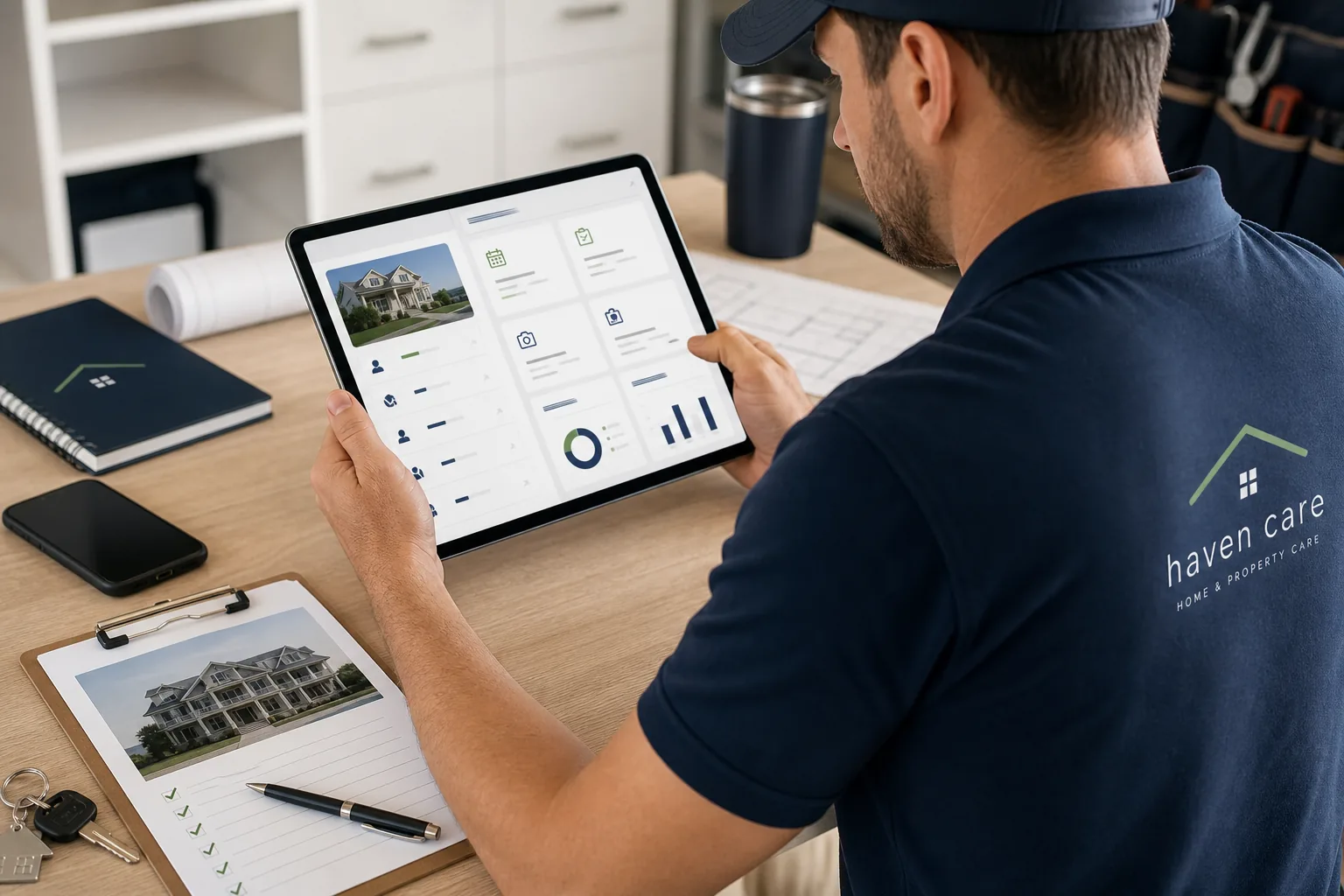
The job, photos, owner notes, access instructions, and service history should all stay tied to the home.
 Call Haven (609) 207-7374
Beyond generic CRM
The job, photos, owner notes, access instructions, and service history should all stay tied to the home.
Controlled pilot
Haven reviews provider fit and property requests before confirming access or a proposed job. No work volume is promised.
Vendor workflow
Most property care work starts with a request and becomes a trail of texts, photos, notes, estimates, approvals, and follow-up. Haven Care is designed to keep that trail useful.
A proposed job may be Haven-direct work, with Haven responsible for its agreed service, or Homeowner–vendor work under your direct agreement with the homeowner. The arrangement, scope, and readiness are reviewed before acceptance. Software-only use remains your own client business and does not appoint you as a Haven subcontractor. See the delivery arrangements and pilot terms.
Share your trade, service area, team size, and the records you currently use to move a request through approval and completion. Haven reviews pilot fit and available access with you. To follow a sample request through its steps, read the property-care CRM workflow guide.